





----------------------------------
Start off with the usual cloud/difference cloud. I don't think this needs a screen capture does it?
-
Duplicate the layer.
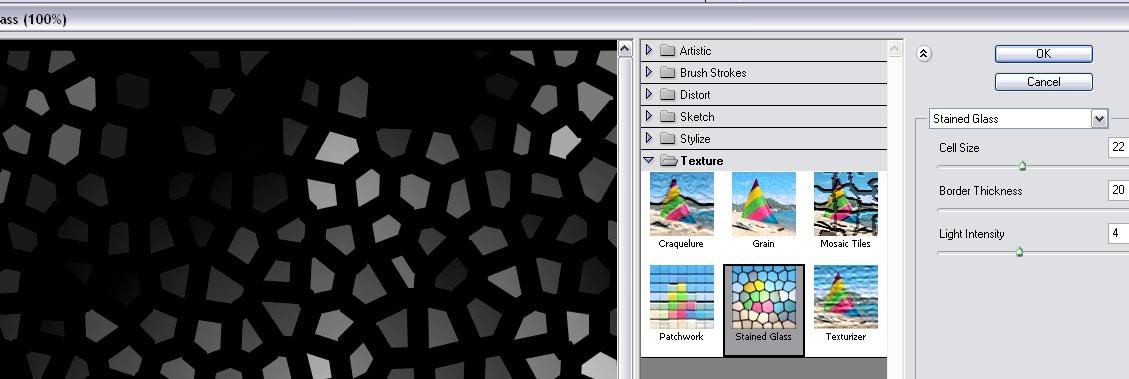
Select the top layer and use
Texture > Stained Glass
-
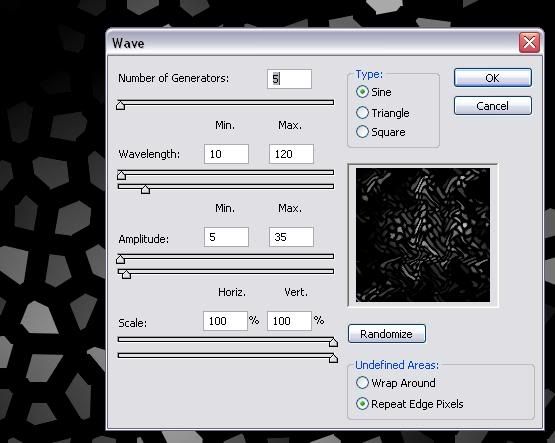
Use
Distort > Wave
-
Use
Distort > Polar co-ordinates.
Set to Rectangular to Polar.

-
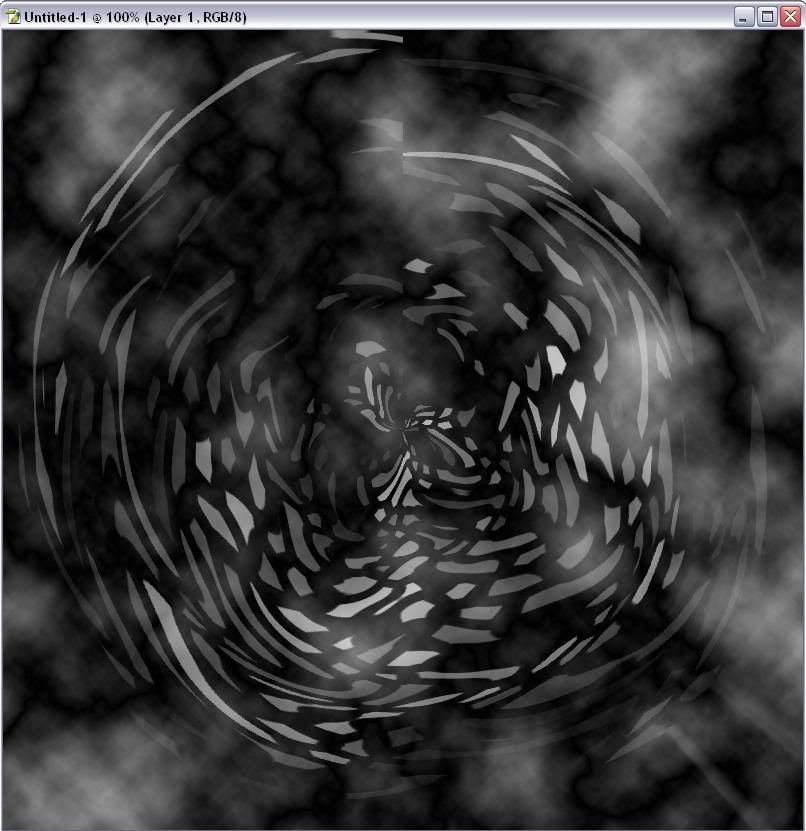
Set the blending on this layer to screen.
Combine both layers.
-
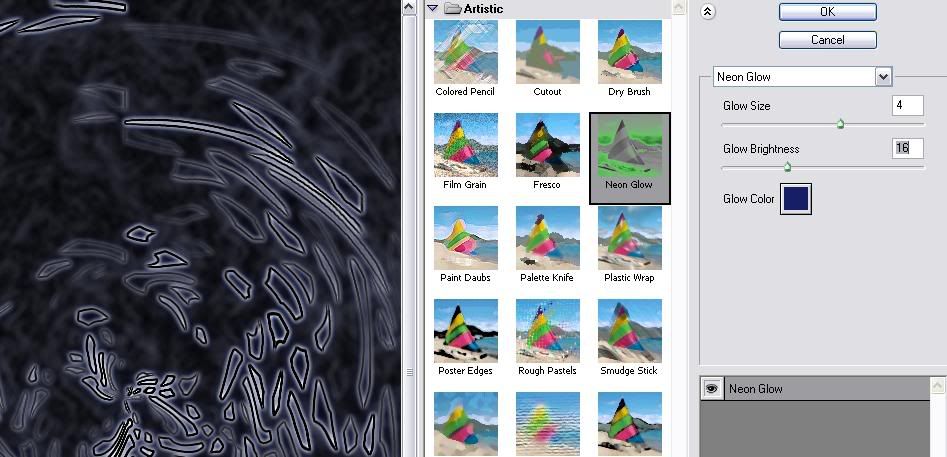
Find edges, and set glow.
Glow can be any colour you want, but have glow size at least 3, glow brightness at least 6.
-
You should have an end result something like this:
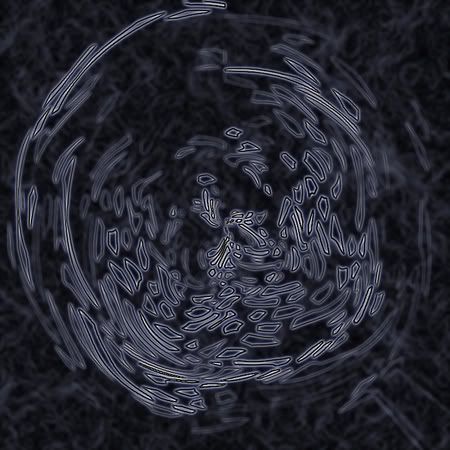
Dump it randomly into a banner or something ^^


