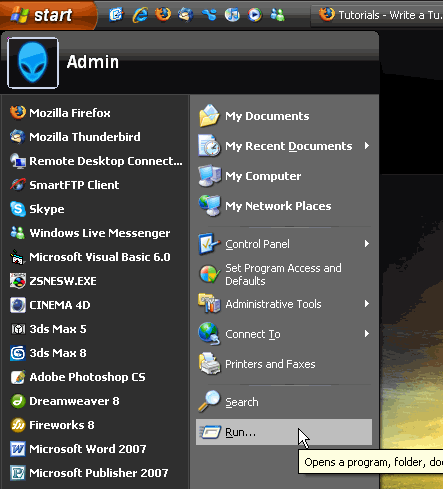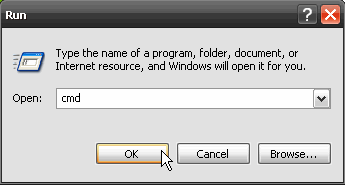


      
To see what is the format of the tabulation of your HardDrive, go to My Computer, select a Hard Drive then click on Properties.
If your hard drive is not formatted as NTFS, you have the possibility of converting it without loss of data and special software. Attention!, conversion is irreversible with the Microsoft tools. If you have several operating systems on your computer, it will not see any more the data of partitions NTFS and perhaps, programs won't start any more.
Convert L: /FS:NTFS (L: is the letter of the drive)
For more information, visit Afram & Selao. 
Dig this tutorial?
Thank the author by sending him a few P2L credits!
 


|